Worksheets and Note-Taking Guides for Online Learners
 Feb, 7 2026
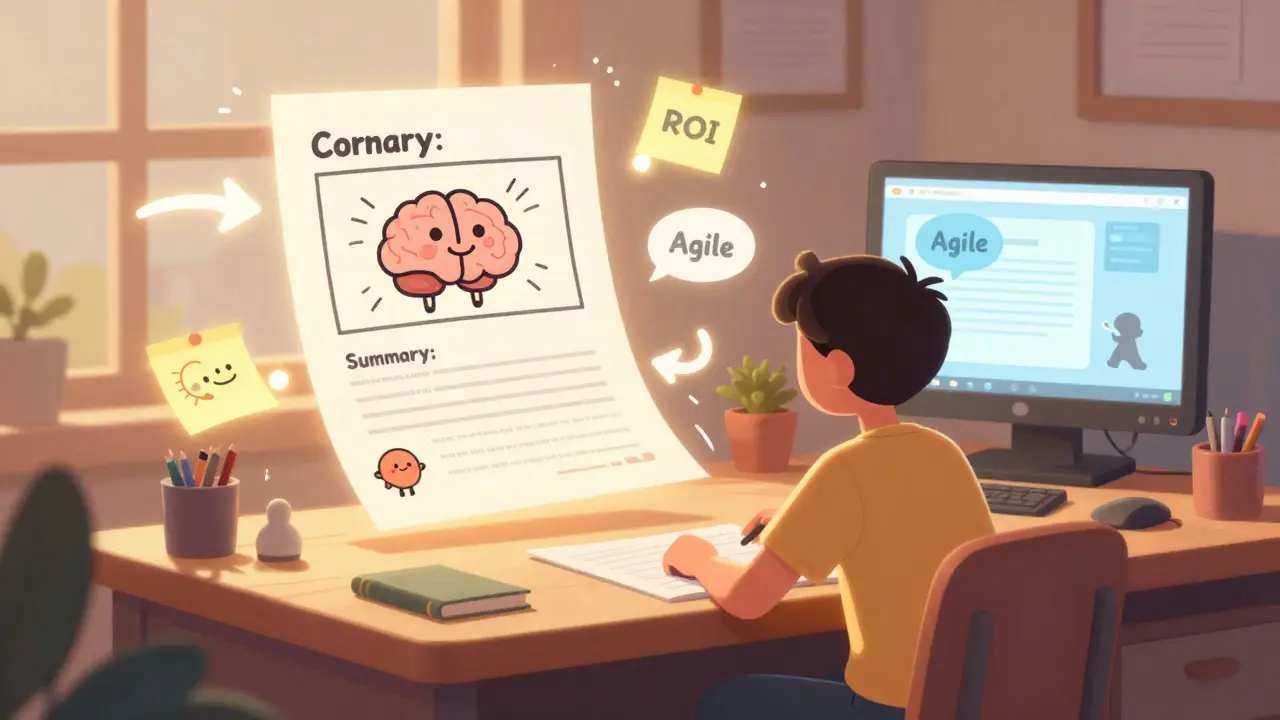
When you’re taking an online course, the screen is your classroom. But unlike a physical lecture hall, there’s no whiteboard, no handouts, and no professor walking around to check if you’re still awake. That’s where worksheets and note-taking guides come in. They’re not optional extras. They’re the missing link between watching a video and actually learning something.
Think about it. You sit down to watch a 30-minute lesson on financial modeling. You pause. You rewind. You take a few scattered notes. Then you close the tab. Two days later, you try to remember what you learned. You’ve got nothing. No structure. No clarity. No way to review. That’s not your fault. It’s because the course didn’t give you a way to capture and organize the information. Worksheets and note-taking guides fix that.
Why worksheets work better than just watching
Studies show that people remember 10% of what they hear, 20% of what they read, and up to 75% of what they do. That’s the key. Doing. Worksheets turn passive watching into active doing. Instead of just listening to a lecture on tax law, you fill out a worksheet that asks you to identify deductions, calculate taxable income, and match scenarios to rules. You’re not just absorbing-you’re applying.
Online courses often assume you’ll take notes on your own. But most learners don’t know how. They scribble keywords. They copy slide text. They miss the connections. A good worksheet gives you a scaffold. It tells you what to look for, where to pause, and what to write down. It’s like having a study partner inside the video.
What makes a good note-taking guide
Not all note-taking guides are created equal. Some are just empty templates. Others are too rigid. The best ones strike a balance. They guide without controlling. Here’s what works:
- Space for examples - Leave room to write your own real-world cases. If the lesson is about project management, don’t just write "Agile"-write "How I used Scrum to fix our client’s missed deadline."
- Trigger prompts - Instead of blank lines, use questions: "What confused you here?" or "How would you explain this to a beginner?"
- Visual spacing - Don’t cram text. Use columns, boxes, and margins. Your brain processes visual space as much as words.
- Summary sections - End each section with a 3-sentence recap. Force yourself to condense the big ideas.
One learner I talked to from Phoenix used a note-taking guide for her Coursera data analytics course. She didn’t just write notes-she added sticky notes in her notebook with questions like, "Why does this outlier matter?" and "How would this change if we used Python instead of Excel?" By the end, her notebook was a map of her thinking. She passed the final exam with the highest score in her cohort.
How to design your own worksheet
If you’re designing a course, or just trying to improve your own study system, here’s how to build a worksheet that sticks:
- Start with the learning goal - What should the learner be able to do after this lesson? "Understand how to calculate ROI" is better than "Learn about ROI."
- Break it into chunks - One worksheet per 10-15 minutes of video. Too long? You’ll skip it.
- Use active verbs - "Identify," "Compare," "Apply," "Predict." Avoid "List," "Describe," or "Explain."
- Include a reflection box - A small space that asks: "What’s one thing you’ll try tomorrow?"
- Test it - Give it to someone who’s never seen the material. If they can’t complete it without watching the video twice, it’s too confusing.
One course creator I know redesigned her marketing course with this method. Her completion rate jumped from 42% to 78%. Why? Because learners weren’t just watching-they were doing something with what they learned.

Free templates you can start using today
You don’t need to design everything from scratch. Here are three simple formats you can copy and adapt:
1. The Cornell Method (for lectures)
Divide your page into three sections:
- Cue column (left, 2.5 inches): Write key terms, questions, or prompts here as you watch.
- Notes column (right, 6 inches): Write your main notes, examples, and insights.
- Summary (bottom, 2 inches): After the video, write a 3-sentence summary in your own words.
This works for any subject. It’s been used by medical students, engineers, and even high schoolers for over 70 years.
2. The Concept Map (for complex topics)
Draw a circle in the center with the main idea. Then draw branches to related ideas. Use arrows to show relationships. Example: "Supply Chain" in the center, branches to "Inventory," "Logistics," "Supplier Risk." Add a small box: "What’s the biggest risk here?"
This is perfect for subjects like biology, economics, or software architecture. It shows how things connect instead of just listing facts.
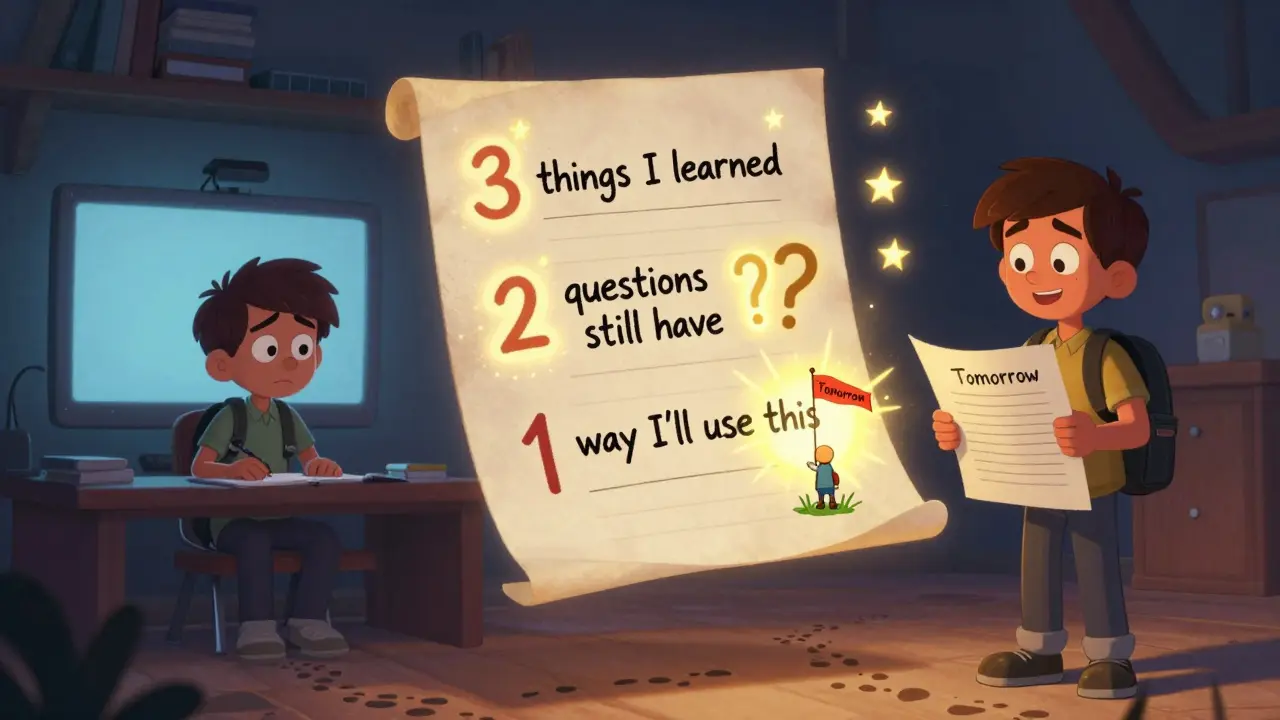
3. The 3-2-1 Prompt (for quick review)
At the end of a lesson, answer:
- 3 things you learned
- 2 questions you still have
- 1 way you’ll use this
It takes two minutes. It forces clarity. And it’s the most effective way to avoid the "I watched it, but I don’t remember anything" feeling.
Common mistakes to avoid
Even good tools can backfire if used wrong. Here’s what most learners do wrong:
- Waiting until the end - Don’t wait to fill out the worksheet after the video. Pause every 5-7 minutes. Write while the info is fresh.
- Copying instead of processing - If you’re just pasting lecture slides into your notes, you’re not learning. Rewrite in your own words.
- Using digital tools that don’t let you sketch - Typing notes on a laptop is fast, but you lose spatial memory. Try printing one worksheet per week and writing by hand.
- Ignoring the reflection - The "What will you try?" box is the most important part. That’s where learning turns into action.
What works for different types of learners
Not everyone learns the same way. Here’s how to adapt worksheets:
- Visual learners: Use diagrams, color-coding, and icons. A flowchart for decision-making processes works better than bullet points.
- Verbal learners: Leave space for short paragraphs. Ask: "How would you explain this to a friend?"
- Kinesthetic learners: Add a "do this now" task. "Pause the video. Open Excel. Calculate this example yourself."
- Abstract thinkers: Focus on patterns. "What’s the underlying rule here?" "What’s the exception?"
The key is flexibility. A worksheet that works for one person might be useless for another. The best tools let you personalize them.
How to use these with any online course
You don’t need to wait for your course to offer worksheets. You can make them yourself. Here’s how:
- Watch the first 5 minutes of the lesson. Pause. Write down the main topic.
- Pause every 7-10 minutes. Ask: "What’s the key point here?" Write it in your own words.
- At the end, answer the 3-2-1 prompt.
- Every Friday, review your worksheets. Highlight what you forgot. Redo the hard parts.
One student from Tempe started doing this with her Udemy programming course. Within three weeks, she went from struggling to finish assignments to solving them in half the time. She didn’t get smarter. She just started using a better system.
Final thought: Worksheets aren’t busywork-they’re memory anchors
Online learning is powerful. But without structure, it’s like trying to build a house with no blueprint. Worksheets and note-taking guides are that blueprint. They turn scattered ideas into lasting knowledge. They help you remember not because you tried hard, but because the system did the work for you.
Start small. Pick one course. Make one worksheet. Use it. See what changes. You’ll be surprised how much more you remember-and how much less you forget.
Do worksheets really improve learning outcomes?
Yes. A 2023 study from Arizona State University tracked 1,200 online learners and found that those who used structured worksheets scored 34% higher on retention tests than those who didn’t. The difference wasn’t in how much they watched-it was in how much they did with what they watched.
Should I use digital or paper worksheets?
It depends. Digital tools like Notion or OneNote are great for searching and organizing. But handwriting engages more of your brain. A 2022 study in Psychological Science showed that students who wrote notes by hand remembered concepts 27% longer than those who typed. The best approach? Print one worksheet per week and write by hand. Use digital for review and storage.
Can I use these for non-academic courses?
Absolutely. Whether you’re learning to cook, manage your finances, or lead a team, the same principles apply. A worksheet for a cooking course might ask: "What’s the science behind caramelization?" A leadership course might ask: "When have you seen this communication breakdown happen?" The goal isn’t to memorize-it’s to connect the lesson to your life.
How often should I review my worksheets?
Review them within 24 hours of completing the lesson. Then again after 7 days, and once more after 30 days. This spaced repetition pattern is proven to move information from short-term to long-term memory. You don’t need to re-read everything-just scan your summaries and answers to the reflection questions.
What if I don’t have time to make worksheets?
Start with the 3-2-1 prompt. It takes two minutes. Just answer: What did I learn? What do I still wonder? What will I try? Do this after every lesson. That’s it. You’re already building a system. No fancy templates needed.
rahul shrimali
February 7, 2026 AT 07:34Franklin Hooper
February 8, 2026 AT 15:15Bridget Kutsche
February 9, 2026 AT 20:51VIRENDER KAUL
February 11, 2026 AT 07:00Krzysztof Lasocki
February 12, 2026 AT 04:40Henry Kelley
February 12, 2026 AT 12:39Victoria Kingsbury
February 12, 2026 AT 20:42Tonya Trottman
February 14, 2026 AT 08:29Rocky Wyatt
February 14, 2026 AT 23:05Santhosh Santhosh
February 16, 2026 AT 11:47Veera Mavalwala
February 18, 2026 AT 10:14Ray Htoo
February 18, 2026 AT 11:09Sheila Alston
February 19, 2026 AT 16:31sampa Karjee
February 20, 2026 AT 19:29Patrick Sieber
February 22, 2026 AT 19:12Bharat Patel
February 24, 2026 AT 08:15Bhagyashri Zokarkar
February 24, 2026 AT 16:33Rakesh Dorwal
February 25, 2026 AT 20:51Raji viji
February 26, 2026 AT 18:32